
Education
Cybersecurity education is the first step to keeping cyberthreats at bay. Learn about the KnowBe4 platform and other cybersecurity educational resources below.

Report Phishing Through Outlook
Immediately report phishing and suspicious emails to your Institute account through Microsoft Outlook's 'Report Phishing' tool.

KnowBe4
KnowBe4 is a global provider of cybersecurity-awareness training. Georgia Tech employees can access optional learning material in their KnowBe4 learner's dashboard. By the end of November, Tech students will also have access to KnowBe4.
Are you staying vigilant against phishing attacks?
Cybersecurity breaches usually begin through phishing, a malicious email to trick an unknowing recipient into revealing passwords and other sensitive information. Stay alert against recently reported Institute phishing via the OIT Cybersecurity Phishbowl, and learn how to spot common phishing tactics.
Dos & Don'ts
Here are key cybersecurity 'dos' and 'don’ts' to keep your accounts and Institute assets safe from cyberthreats.

DO
- DO immediately report phishing emails you receive through the Microsoft Outlook 'Report Phishing' tool.
- DO verify your two-factor authentication (2FA) notifications. Before accepting DUO phone calls or notifications, ensure that it has been initiated by you or someone you trust. If you receive unexpected or suspicious verification notifications, do not accept them.
- DO report cybersecurity incidents and if you suspect you are being targeted by a two-factor authentication scam or personal information breach to the OIT Security Operations Center at soc@gatech.edu.

DON'T
- DON'T reply to suspicious emails or text messages. Also, don't visit any links within the email or text message and do not forward suspicious messages to others.
- DON’T enter sensitive, protected, regulated or confidential data into an AI tool, no matter if it is approved for use at the Institute or not.
- DON'T provide personal information, account credentials, or verification codes over the phone, unless you are absolutely certain of the identity of the caller.
Protection
Learn how the Office of Information Technology is keeping cyberthreats at bay through two-factor authentication and the latest Institute AI guidance.
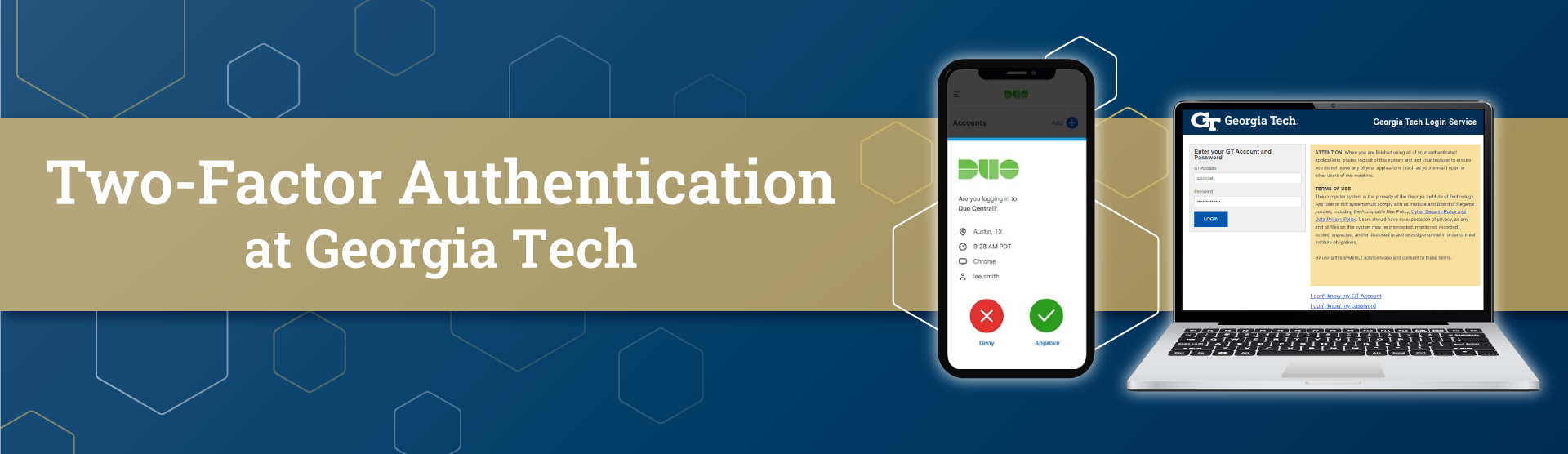
Two-Factor Authentication
As part of OIT's ongoing commitment to strengthen Georgia Tech’s defenses against cyber threats, students, faculty, and staff must use Duo or an approved multi-factor authentication method with Institute accounts.
(text and background only visible when logged in)